For bookkeepers
Bank Statement Converter for Bookkeepers
Turn client PDF statements into structured transaction files so you can spend less time typing and more time reconciling.
Useful for client cleanup projects, missing bank feeds, closed accounts, and PDF-only historical records.
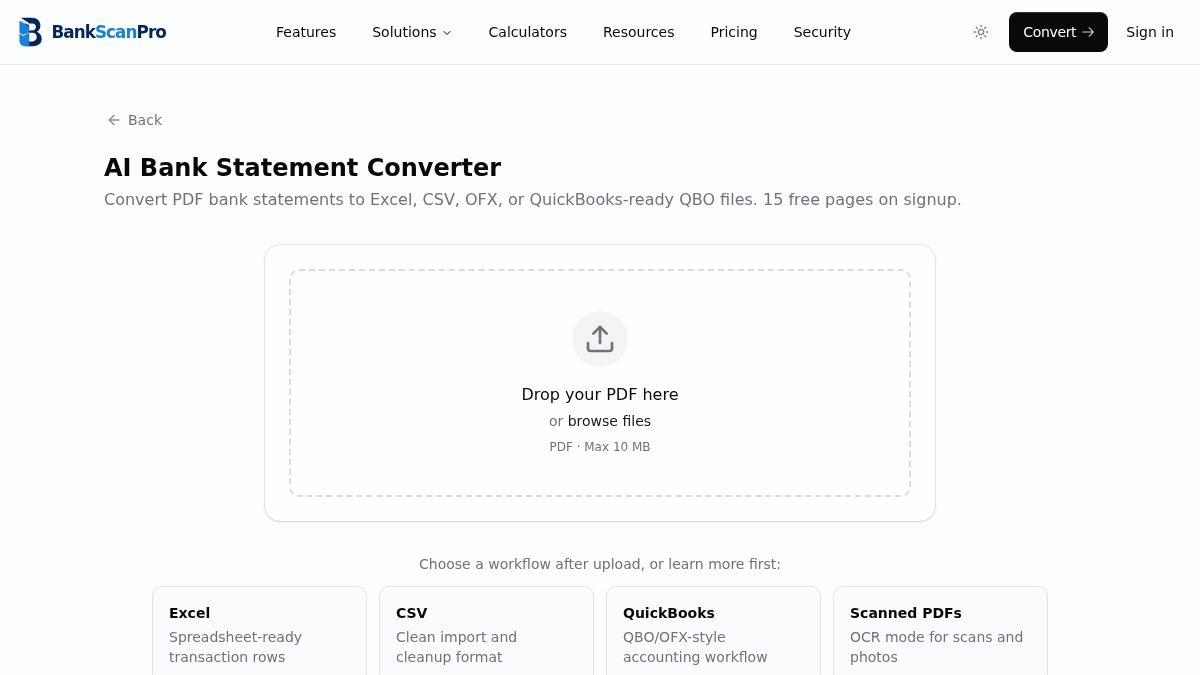
Workflow
The conversion flow is designed to keep the statement upload obvious, the review step short, and the output ready for the next finance task.
- 01
Upload the client statement PDF.
- 02
Convert the transaction pages into structured rows.
- 03
Download Excel, CSV, or QuickBooks-ready output.
- 04
Review, reconcile, and import where appropriate.
Best for
Cleanup bookkeeping
Missing bank feeds
Monthly reconciliations
Client PDF handoffs
Works with major banks
Start from the converter page or choose a bank-specific guide when you need instructions for a particular statement source.
Questions
Can bookkeepers convert old PDF statements?
Yes. BankScanPro is useful for historical statements, closed accounts, and client-provided PDFs that cannot be downloaded as CSV.
Can I use the output in QuickBooks?
Yes. Use QuickBooks-ready output where appropriate, or export CSV/Excel for review and mapping.
Does it work for scanned statements?
Yes. Use OCR mode for scanned statements or photos, then review the results before importing.
How does it help with reconciliation?
It gives you structured rows faster, so reconciliation review can start without manual transcription.