For accountants
Bank Statement Converter for Accountants
Stop re-keying client statements. Convert PDFs into structured transaction data for reconciliation, review, and import.
Designed for accounting firms that process many client statements and need consistent output across banks.
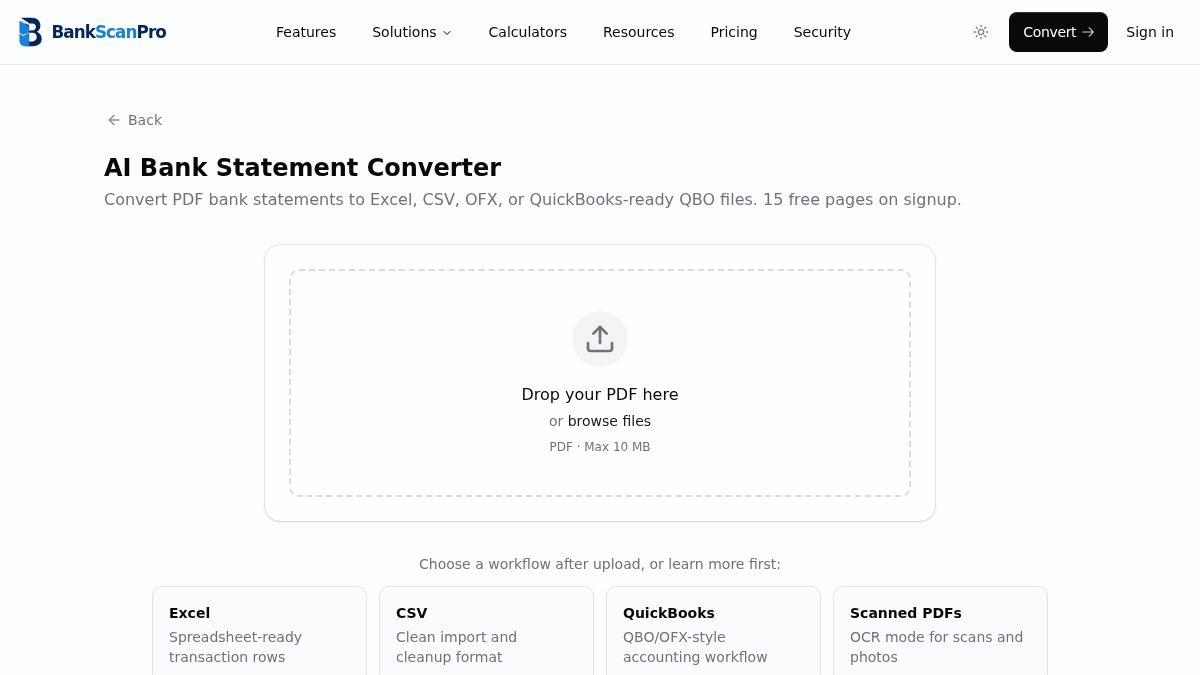
Workflow
The conversion flow is designed to keep the statement upload obvious, the review step short, and the output ready for the next finance task.
- 01
Upload the client PDF statement.
- 02
Select the transaction pages and output workflow.
- 03
Review structured rows and balances.
- 04
Export Excel, CSV, or QuickBooks-ready data.
Best for
Month-end close
Catch-up bookkeeping
Tax prep
Client onboarding
Works with major banks
Start from the converter page or choose a bank-specific guide when you need instructions for a particular statement source.
Questions
Can accountants use BankScanPro for multiple clients?
Yes. Paid plans are designed for higher page volumes and recurring statement processing across many clients.
Does it replace bookkeeping review?
No. It removes manual data entry, but accountants should still review totals, categories, and reconciliation results.
Can it handle different banks from different clients?
Yes. BankScanPro is designed to handle many bank layouts and supports digital PDFs as well as scanned statements.
Is client financial data private?
Yes. Files are used only to deliver conversions and are handled with encryption and privacy-first controls.