QuickBooks import
Convert PDF Bank Statements for QuickBooks
Create a reviewable transaction file for QuickBooks when you need more control than retyping rows or relying on an unverified statement import.
Built for accountants and bookkeepers who need to check dates, descriptions, signs, balances, account mapping, and duplicate risk before a controlled import.
Workflow
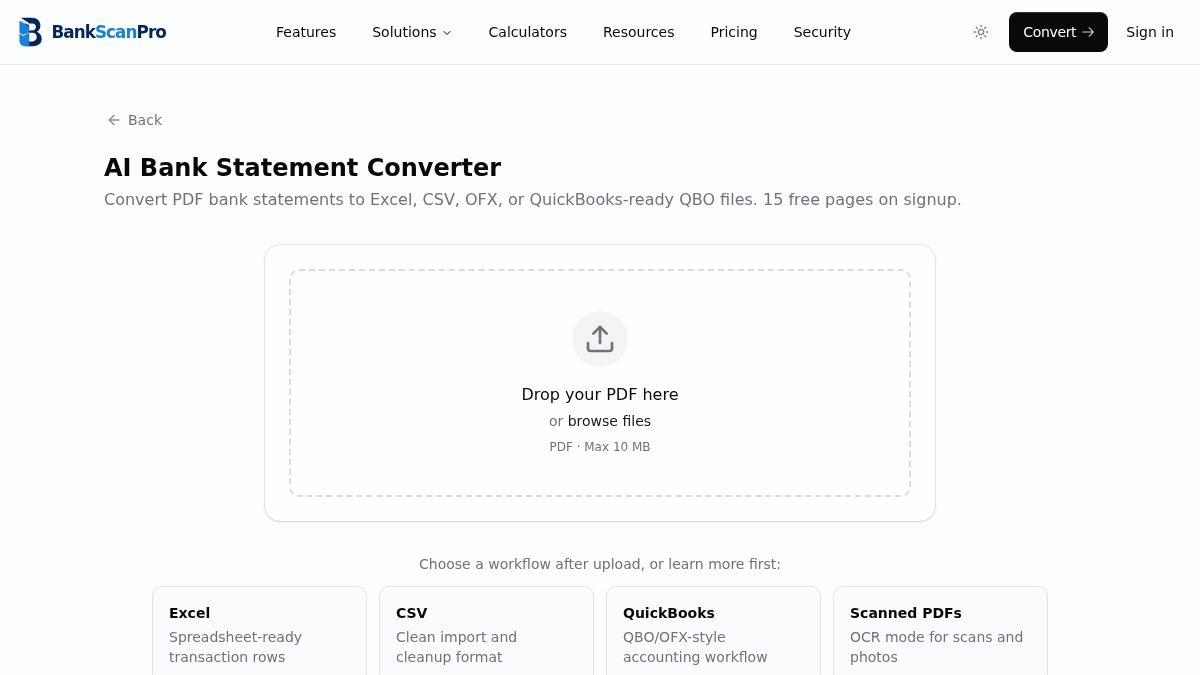
The conversion flow is designed to keep the statement upload obvious, the review step short, and the output ready for the next finance task.
- 01
Upload the client bank statement PDF.
- 02
Select the pages and enable OCR if the statement is scanned.
- 03
Review the extracted period, transaction rows, signs, and balance movement.
- 04
Download QBO/OFX, CSV, or Excel according to the QuickBooks product and review workflow.
Decision support
Prepare the output for the next workflow
Choose the path for your QuickBooks product and region
QuickBooks Online support varies by country and product version. Current US guidance allows eligible users to upload an English-language PDF or image for extraction, as well as QBO, QFX, OFX, and CSV transaction files. Current UK guidance still directs PDF users to convert the statement before import.
QuickBooks Desktop Web Connect uses a .qbo file. Confirm the destination product, country, account, and current Intuit instructions before preparing a large import.
Treat import success and accounting accuracy as separate checks
A file can be accepted while still targeting the wrong account, overlapping an existing bank feed, or carrying a missing row or incorrect sign. Preserve the PDF as the source record and reconcile imported activity back to it.
- Confirm the destination account and statement currency.
- Check the date range against connected-feed and prior manual imports.
- Review representative deposits, withdrawals, fees, and wrapped descriptions.
- Compare opening balance, closing balance, and transaction count with the PDF.
QuickBooks import route comparison
Use the route supported by the destination product, then apply the same source-to-output review controls.
| Route | Best use | Control to apply |
|---|---|---|
| PDF or image | Eligible QuickBooks Online regions | Review every extracted row in the side-by-side workflow |
| QBO/OFX/QFX | Structured transaction upload | Confirm account identity, period, currency, and duplicate risk |
| CSV | Manual mapping and cleanup | Use a consistent 3- or 4-column bank transaction layout |
| Excel | Human review before import | Save or map to a supported transaction format for the destination workflow |
Preview the rows before creating a QBO file
A controlled workflow starts from a readable transaction table, even when the final download is a structured QBO or OFX file.
Synthetic example only. The final QBO/OFX file also carries structured account and transaction fields used by the destination import workflow.
Review the downloadable synthetic sample| Date | Payee / description | Amount | Balance | Import check |
|---|---|---|---|---|
| 2026-01-03 | Example supplier payment | -125.40 | 4,874.60 | Expense sign reviewed |
| 2026-01-05 | Example incoming transfer | 850.00 | 5,724.60 | Deposit sign reviewed |
| 2026-01-08 | Example account fee | -12.00 | 5,712.60 | Fee retained as a transaction |
Current product sources
Import support changes by QuickBooks product and region. Check current Intuit guidance before a production import.
Best for
Client catch-up bookkeeping
QuickBooks Online imports
QuickBooks Desktop workflows
Monthly reconciliation
Works with major banks
Start from the converter page or choose a bank-specific guide when you need instructions for a particular statement source.
Questions
Can QuickBooks import a PDF bank statement directly?
Some current QuickBooks Online regions can accept eligible English-language PDF or image statements, while availability and review handling vary by product and country. Converting to a reviewed QBO/OFX or CSV file remains useful when you need reusable output, explicit field checks, or a Desktop Web Connect workflow.
What is the safest QuickBooks import workflow?
Convert the PDF into structured rows, review dates, descriptions, signs, and balances, then import OFX/QBO or CSV according to the QuickBooks account workflow you use.
Is OFX/QBO better than CSV for QuickBooks?
QBO/OFX carries structured financial fields and can reduce manual mapping when the destination supports it. CSV is better when you need to inspect, edit, or map columns before upload.
Does BankScanPro support QuickBooks Online and Desktop?
BankScanPro prepares QBO/OFX, CSV, and Excel output for file-based workflows. QuickBooks Online and Desktop have different, region-dependent import paths, so confirm current Intuit requirements and review the file before reconciling.
Can I convert multiple client statements?
Yes. Paid plans support higher page volumes for firms that process statements regularly across many clients.