PDF to CSV
Convert PDF Bank Statements to CSV
Turn bank statement PDFs into clean CSV rows that are easier to sort, filter, reconcile, and import.
Designed for teams that receive statements as PDFs but need structured transaction data for spreadsheets or accounting systems.
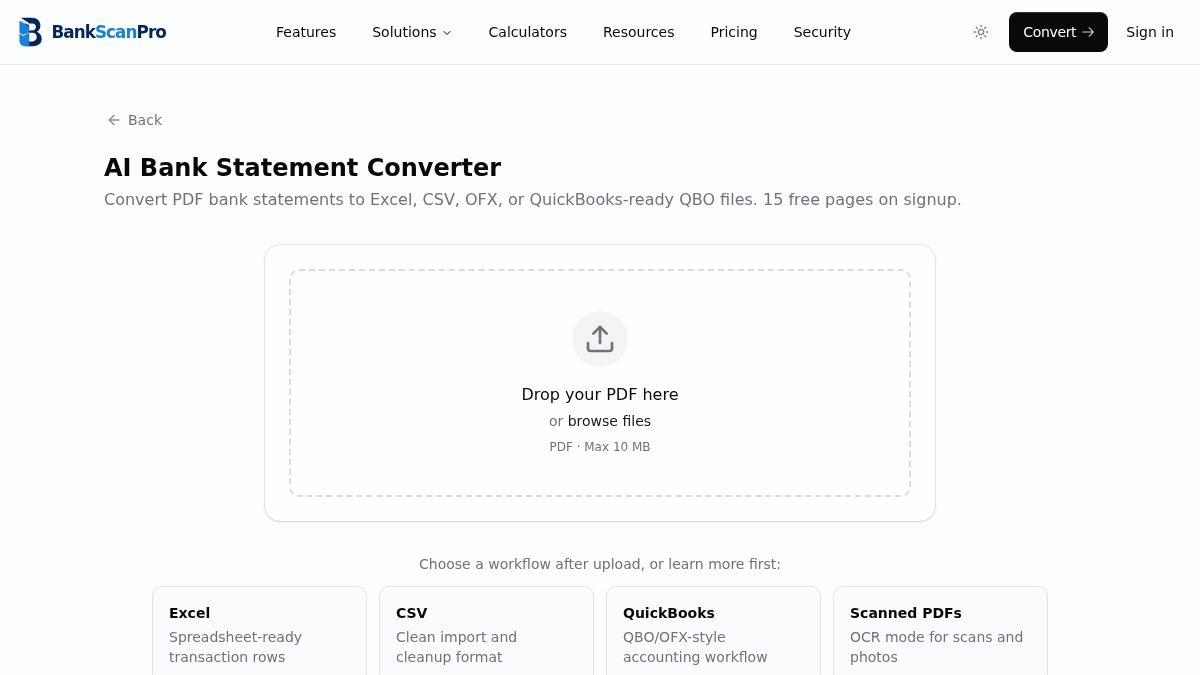
Workflow
The conversion flow is designed to keep the statement upload obvious, the review step short, and the output ready for the next finance task.
- 01
Upload your PDF statement.
- 02
Choose the pages to convert.
- 03
Review extracted transaction rows.
- 04
Download a CSV for spreadsheet cleanup or import.
Best for
Spreadsheet imports
Bulk transaction review
Reconciliation prep
Data cleanup before accounting import
Works with major banks
Start from the converter page or choose a bank-specific guide when you need instructions for a particular statement source.
Questions
Can I upload a bank statement PDF and get CSV directly?
Yes. BankScanPro extracts the transaction table from the PDF and prepares structured CSV output for spreadsheet and accounting workflows.
What if the PDF has multiple pages?
Upload the full document, then select the pages you need. Multi-page statements and repeated table headers are handled during extraction.
Can CSV files be imported into accounting software?
Many accounting tools accept CSV imports, but they often require column mapping. For QuickBooks workflows, OFX/QBO is usually cleaner when available.
Does this work for banks that do not offer CSV export?
Yes. BankScanPro is useful when the bank only provides monthly statements as PDFs or when a client sends a PDF instead of an export file.