PDF to Excel
Convert PDF Bank Statements to Excel
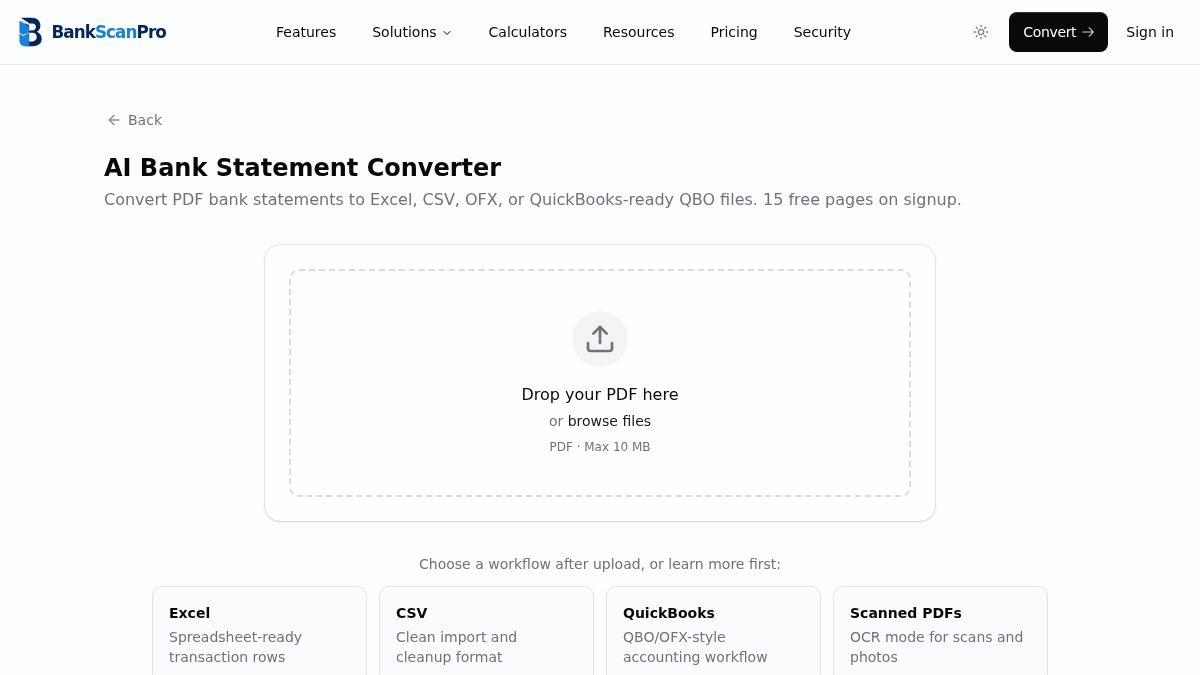
Upload a digital or scanned bank statement PDF and get an Excel-ready transaction table instead of retyping rows by hand.
Built for accountants, bookkeepers, lenders, and finance teams that need dates, descriptions, amounts, and balances in a reviewable spreadsheet.
Workflow
The conversion flow is designed to keep the statement upload obvious, the review step short, and the output ready for the next finance task.
- 01
Upload a digital or scanned PDF bank statement.
- 02
Select the pages you want to convert.
- 03
BankScanPro extracts dates, descriptions, amounts, and balances.
- 04
Download Excel-ready data for review, reconciliation, or analysis.
Decision support
Prepare the output for the next workflow
Use the converter for the file and the guide for the method
This page is the conversion workflow for PDF bank statement to Excel searches. The supporting guide explains field selection and validation in more detail, while the converter page remains the place to create the spreadsheet.
Keeping one commercial page responsible for the conversion intent prevents users and search engines from having to choose between several pages that promise the same outcome.
Review the workbook before analysis or import
Check the statement period, transaction count, date format, debit and credit direction, and opening-to-closing balance movement before sorting or editing the workbook.
- Keep wrapped descriptions attached to the original transaction row.
- Remove repeated page headers and statement summary totals from transaction data.
- Preserve the source PDF so every corrected row can be checked later.
Preview a synthetic Excel output
The sample shows the reviewable transaction structure without using customer files or financial data.
Synthetic example only. Names, dates, and amounts do not represent a real person, account, or statement.
Open the full sample output library| Date | Description | Debit | Credit | Balance |
|---|---|---|---|---|
| 2026-01-03 | Example supplier payment | 125.40 | - | 4,874.60 |
| 2026-01-05 | Example incoming transfer | - | 850.00 | 5,724.60 |
| 2026-01-08 | Example account fee | 12.00 | - | 5,712.60 |
Best for
Month-end reconciliation
Tax prep
Loan file review
Cash-flow analysis
Works with major banks
Start from the converter page or choose a bank-specific guide when you need instructions for a particular statement source.
Questions
How is this different from a generic PDF to Excel tool?
Generic PDF converters extract tables visually. BankScanPro is built for bank statement layouts, so it focuses on transaction dates, descriptions, debits, credits, balances, repeated headers, and scanned statement review.
Can I convert scanned PDF bank statements to Excel?
Yes. Use OCR mode for scanned or photographed statements. Digital PDFs usually process faster, but scanned copies can still be converted when the image is clear.
Will the Excel output keep separate debit and credit amounts?
BankScanPro structures transaction rows with dates, descriptions, and amounts. Where the source statement includes balances or separate debit and credit columns, the converter preserves the useful fields for review.
Do I need to install Excel?
No. The converted data can be opened in Excel, Google Sheets, Numbers, or imported into other spreadsheet tools.
Is my statement data used for training or advertising?
No. Uploaded files are used to deliver the conversion. Do not send filenames, account numbers, statement contents, or other financial details to analytics tools.