Credit cards
Convert Credit Card Statements
Extract purchases, payments, credits, interest, and fees from credit card PDF statements into structured rows.
Useful for expense review, bookkeeping cleanup, forensic analysis, and borrower cash-flow checks.
Workflow
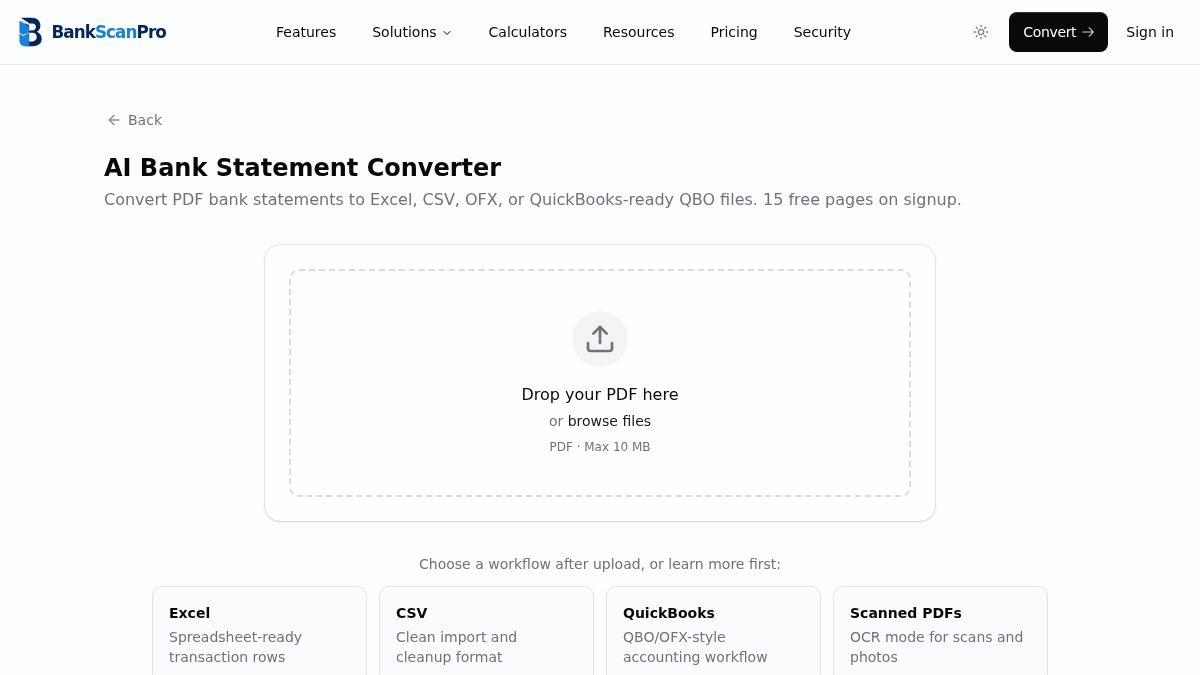
The conversion flow is designed to keep the statement upload obvious, the review step short, and the output ready for the next finance task.
- 01
Upload the credit card statement PDF.
- 02
Select the pages that contain transactions.
- 03
Extract purchases, payments, credits, fees, and interest.
- 04
Download structured data for spreadsheet or accounting review.
Best for
Expense categorization
Bookkeeping cleanup
Card reconciliation
Borrower spending review
Works with major banks
Start from the converter page or choose a bank-specific guide when you need instructions for a particular statement source.
Questions
Can I convert credit card statements, not just bank statements?
Yes. BankScanPro can process credit card statement PDFs when the transaction table is readable.
How are refunds and payments handled?
Credit card statements often separate payments, credits, purchases, fees, and interest. Review the output to confirm signs and categories before importing.
Can I export credit card statements to QuickBooks?
Yes. You can prepare QuickBooks-ready output or use CSV/Excel for review and import preparation.
Does it work with scanned credit card PDFs?
Yes. Use OCR mode for scans or photos, then review the extracted rows for any image-quality issues.