Xero workflow
Convert Bank Statements for Xero
Get transaction data out of PDF statements and into a format your Xero reconciliation workflow can use.
Useful when clients send PDFs, old statement scans, or bank records that are not available as a direct bank feed.
Workflow
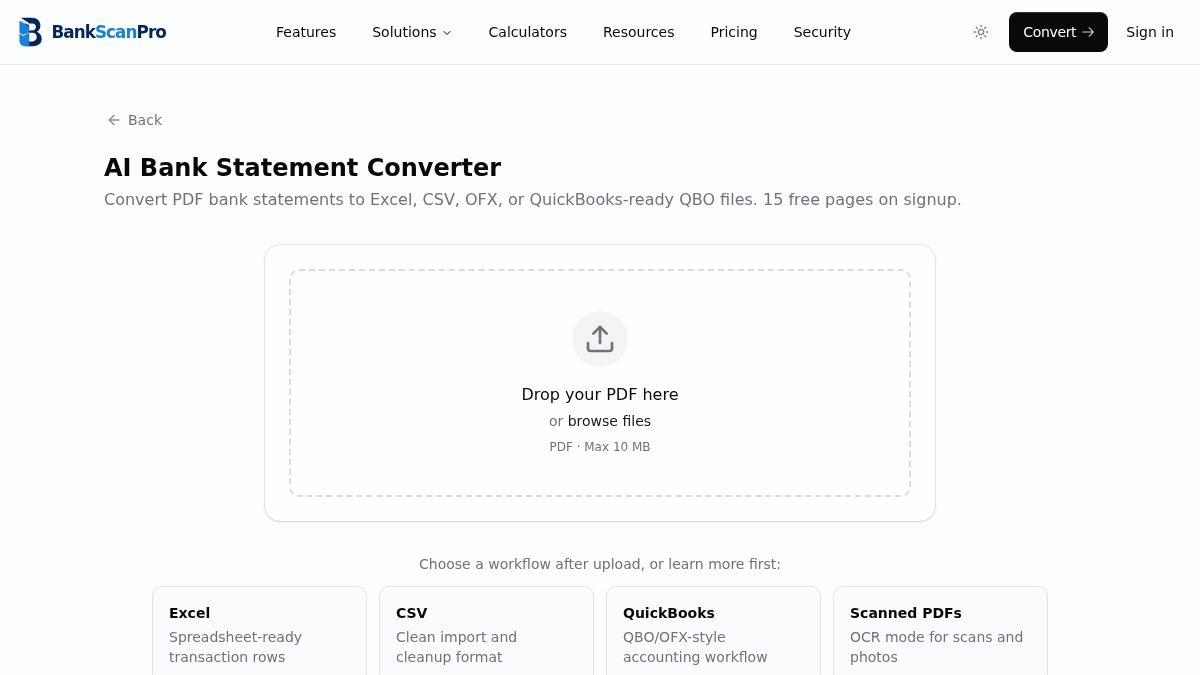
The conversion flow is designed to keep the statement upload obvious, the review step short, and the output ready for the next finance task.
- 01
Upload the statement PDF.
- 02
Convert the transaction pages into structured rows.
- 03
Download CSV or Excel-ready data.
- 04
Review and prepare the file for your Xero import workflow.
Best for
Xero catch-up bookkeeping
Client-supplied PDF statements
Historical transaction cleanup
Reconciliation prep
Works with major banks
Start from the converter page or choose a bank-specific guide when you need instructions for a particular statement source.
Questions
Can Xero import PDF bank statements directly?
No. Xero needs structured transaction data, usually CSV or another supported bank import format. Convert the PDF first, then review the file before import.
When is this useful if Xero has bank feeds?
It helps with historical periods, disconnected feeds, closed accounts, client-supplied PDFs, and scanned statements.
Can I convert scanned statements for Xero?
Yes. Use OCR mode for scanned statements, then review the resulting CSV or spreadsheet before importing.
Does this replace reconciliation review?
No. It removes manual entry, but you should still review totals and reconcile inside Xero.