OFX/QBO output
Convert Bank Statements to OFX or QBO
Prepare PDF statement transactions for accounting software imports without rebuilding the file by hand.
Best for accountants who want QuickBooks-ready structure while keeping CSV and Excel available for review and cleanup.
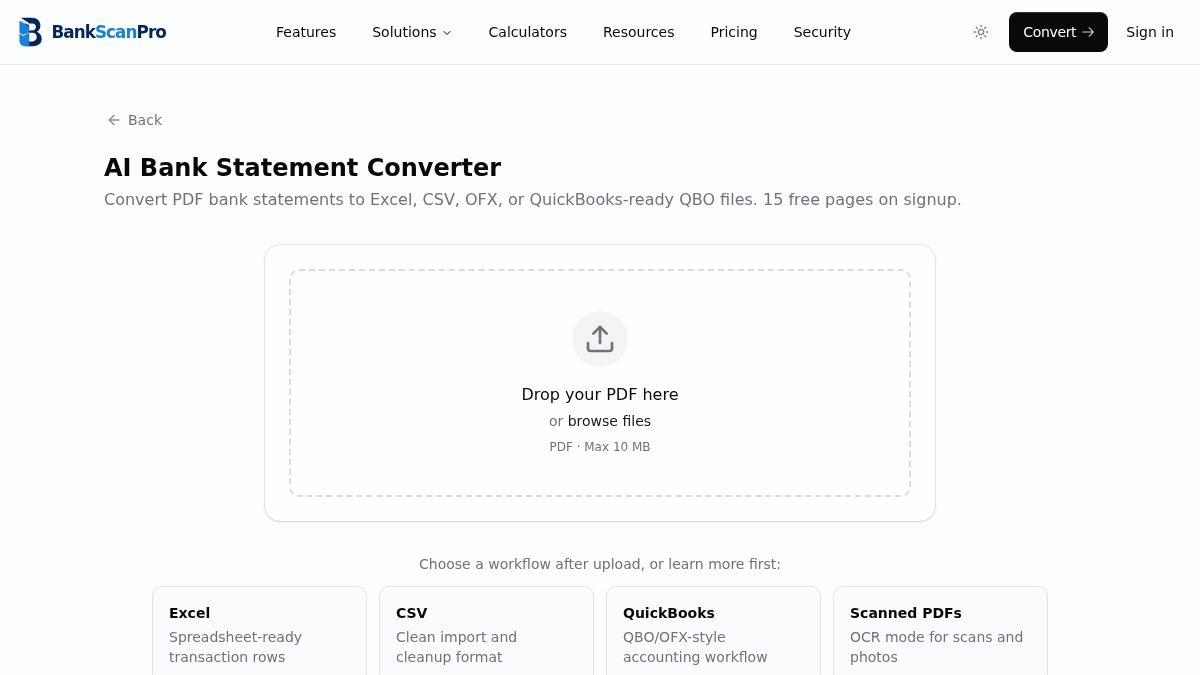
Workflow
The conversion flow is designed to keep the statement upload obvious, the review step short, and the output ready for the next finance task.
- 01
Upload a PDF statement.
- 02
Extract and validate transaction rows.
- 03
Generate structured accounting import output.
- 04
Review the file before importing into your accounting system.
Best for
QuickBooks imports
Accounting data cleanup
Legacy bank records
Client catch-up work
Works with major banks
Start from the converter page or choose a bank-specific guide when you need instructions for a particular statement source.
Questions
What is OFX?
OFX is a financial data format used by many accounting and personal finance systems to describe bank transactions in a structured way.
Is QBO the same as OFX?
QBO is QuickBooks' Web Connect variant of OFX. The exact import workflow depends on the QuickBooks product and account setup.
When should I use CSV instead of OFX or QBO?
Use CSV when you need manual mapping, cleanup, or review before import. Use OFX/QBO when the accounting workflow expects a structured bank-feed style file.
Can every PDF become a perfect OFX file?
The output quality depends on the source statement. Clear digital PDFs usually convert best; scanned files should be reviewed carefully.
Should I still keep the original PDF?
Yes. Keep the original statement as the audit source and use the converted file for analysis or import.