For mortgage lenders
Bank Statement Converter for Mortgage Lenders
Extract borrower statement transactions into structured rows so income review and cash-flow analysis can move faster.
Built for teams reviewing PDFs from applicants, brokers, and document portals where bank feeds are not available.
Workflow
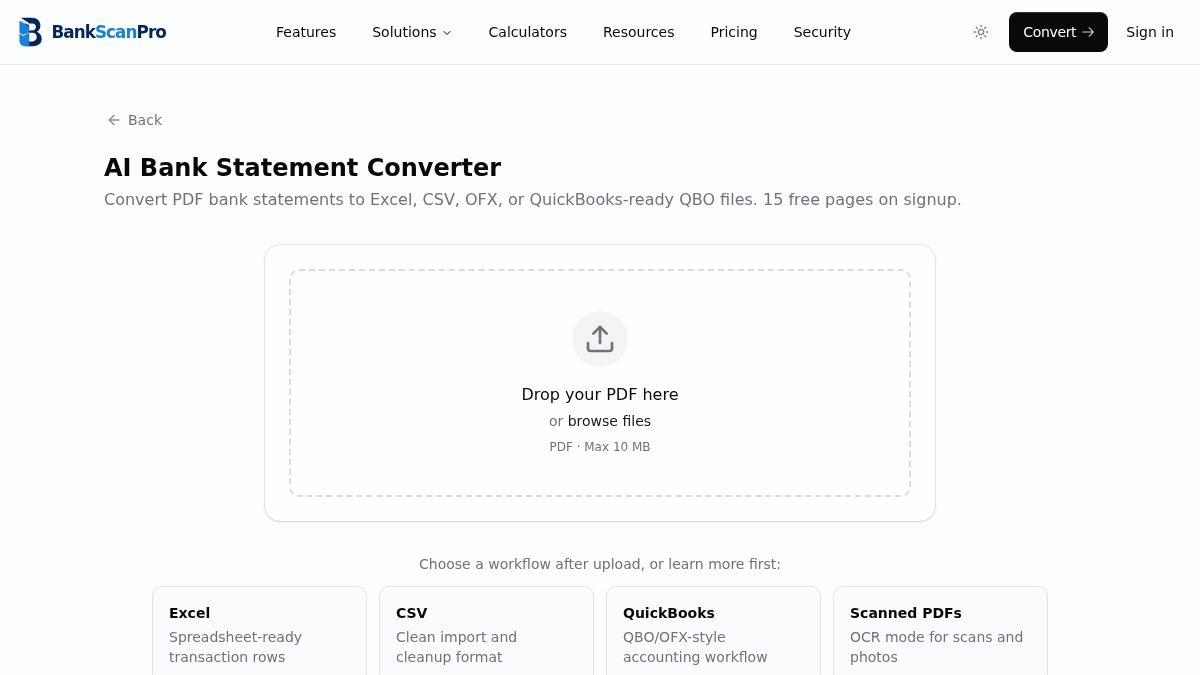
The conversion flow is designed to keep the statement upload obvious, the review step short, and the output ready for the next finance task.
- 01
Upload borrower statement PDFs.
- 02
Select the pages and enable OCR for scans.
- 03
Extract deposits, withdrawals, balances, and descriptions.
- 04
Review the data in Excel or CSV for underwriting analysis.
Best for
Self-employed borrower review
Income verification
Cash-flow analysis
Document cleanup before underwriting
Works with major banks
Start from the converter page or choose a bank-specific guide when you need instructions for a particular statement source.
Questions
Can lenders use BankScanPro for income review?
Yes. It converts statement transactions into structured rows that are easier to filter and analyze. It does not replace underwriting judgment or compliance review.
Can it process statements from multiple banks?
Yes. Borrower files often include several banks, and BankScanPro is designed to handle many statement layouts.
Does it identify income automatically?
It extracts transaction data. Lenders should apply their own income classification, underwriting policy, and documentation checks.
Is borrower data protected?
Files are encrypted and used only to deliver conversions. Avoid entering borrower personal or account data into analytics or support notes.